


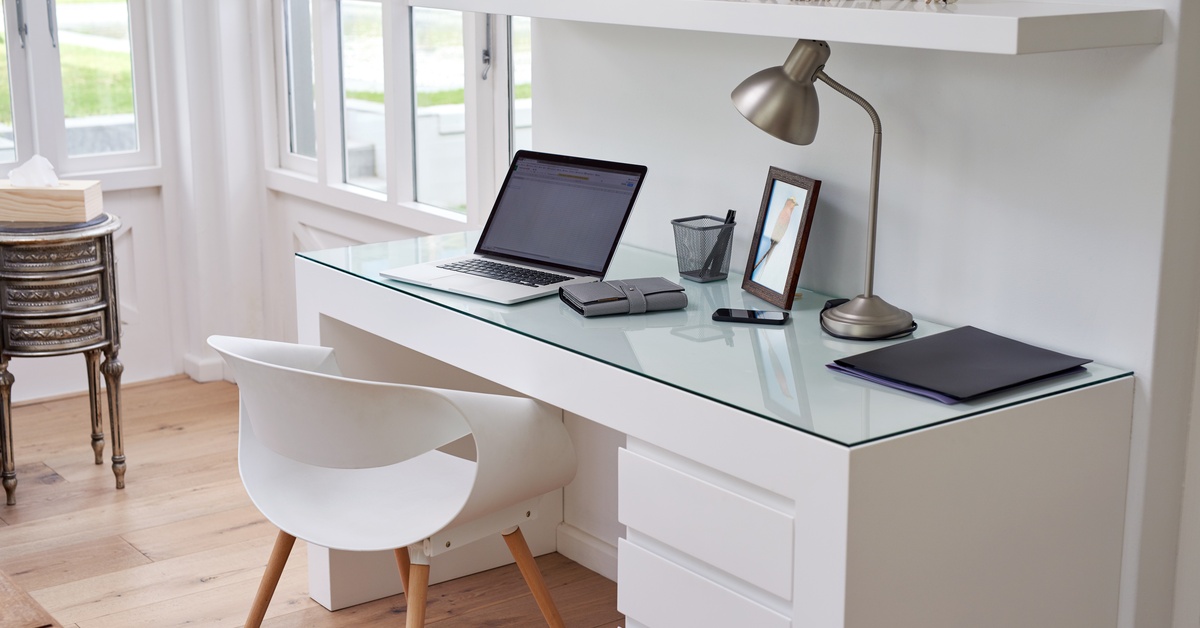
A clean workstation doesn’t need to look perfect or magazine-ready. It needs to support how you work. When your desk stays organized, you can find what you need, move comfortably, and start tasks without clearing space first. A cleaner setup also helps you set a stronger boundary between home life and work time, which can make a big difference when both happen under the same roof. These tips will help you clear the clutter and keep your workstation clean.
Start With What You Use Daily
The best place to start is with the items you touch every workday. Your computer, keyboard, mouse, planner, headset, and a small notepad may deserve a permanent spot on your desk. Everything else should earn its place.
Look around your workstation and ask how often you use each item during work hours. If you need an item only once a week, move it to a drawer, shelf, or nearby storage bin. If you haven’t used something in months, remove it from your workspace entirely.
This simple habit keeps your desk from turning into long-term storage. Your workstation should help you work, not hold everything you don’t feel like putting away.
Tame the Cable Mess
Cords are among the most frustrating sources of clutter in a home office. Laptop chargers, monitor cables, phone chargers, Ethernet cords, and headset wires can tangle and make your desk look messy even after you clean it. A few small changes can make your setup much easier to manage.
Start by unplugging cables you don’t use daily. Wrap extras and store them in a labeled container so you don’t have to dig through a tangled pile later. Use cable clips or sleeves to route wires along the back of your desk instead of letting them sprawl across your work surface.
If you need a wired internet connection, consider using a retractable Ethernet cord to reduce slack when you don’t need the full length. That upgrade can help you keep your connection stable without letting an extra cable snake across the floor or desk.
Improve Your Work Flow
Once you clear the obvious clutter, look for improvements to increase productivity. Place your most-used items within easy reach, and move distractions out of your direct line of sight. Keep your phone slightly away from your keyboard if notifications break your focus. Store snacks, hobby items, and household paperwork outside your workstation.
Lighting also affects how organized your desk feels. A small lamp can brighten your work area and reduce eye strain during early mornings or late afternoons. A monitor stand can create extra space under your screen and improve your posture at the same time.
Clean design doesn’t require expensive gear. It comes from arranging your space with intention.
A Cleaner Desk Supports Better Days
Creating a clean workstation won’t solve every challenge that comes with working from home, but it can reduce unnecessary friction in your day. When your space stays clear, you spend less time searching, untangling, shifting, and clearing things out of the way.
Clutter grows when you ignore it, but control returns through small, consistent habits. Build a setup that fits your routine, manage your cables, reset your desk daily, and give each item a reason to stay. Your workstation will feel calmer, sharper, and easier to use each time you sit down to work.